Can't start exploration, test case generation or a test run
Why Generate Test Cases or Start Test Run is greyed out, or you see "archived project", "No knowledge base" or "No test cases found", and how to fix each.
In this article
Start exploration, Generate Test Cases and Start Test Run each need something to be true first: knowledge to exist, test cases to exist, nothing else running, and a project that is not archived. Find your symptom below.
Why is Generate Test Cases greyed out?
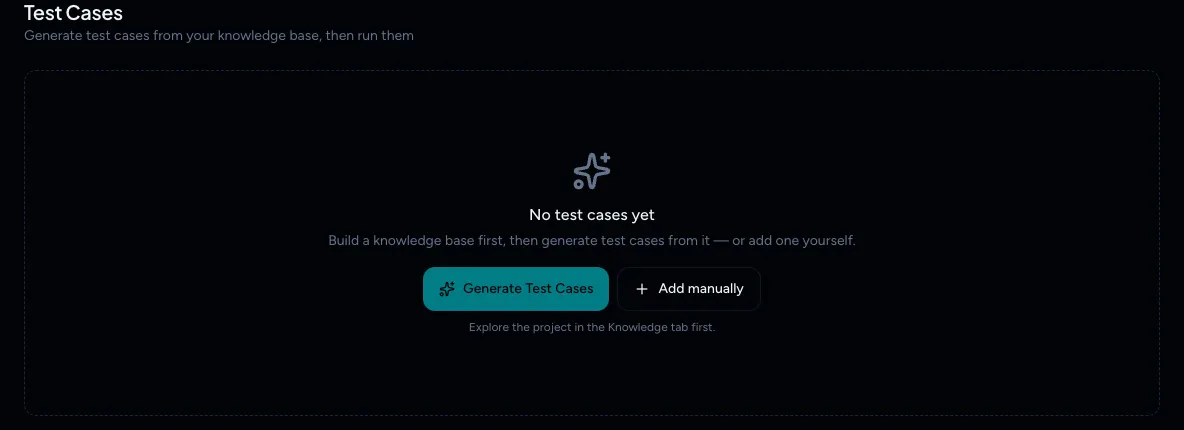
Test cases are generated from your project's knowledge base, and a new project has none. The button is also greyed out while an exploration is running or after one was stopped or failed (knowledge shows Pending), and while generation is running. Once test cases exist, the same button is labelled Regenerate. The page says Explore the project in the Knowledge tab first.
- Open Knowledge in the project sidebar.
- Select Start exploration and wait for it to finish.
- Go back to Test cases. Generate Test Cases is now available.
You rarely see "No knowledge base found. Add knowledge first." in the app. It appears as a failed generation if a start comes through the API or Slack, or the knowledge was cleared. The fix is the same.
See Explore your app and Generate test cases.
Why is Start Test Run greyed out?
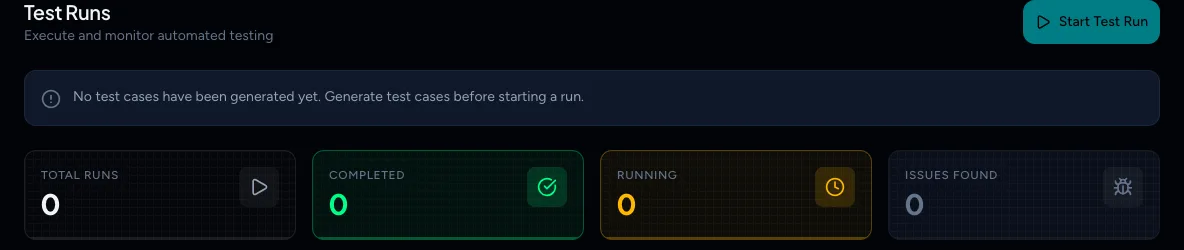
The banner above the run list tells you why. There are three reasons:
| Banner | Why | Fix |
|---|---|---|
| No test cases have been generated yet. Generate test cases before starting a run. | The project has no test cases, or every test case is excluded | Generate or add test cases first, or restore excluded ones (use the Excluded filter, then Restore) |
| Exploration is currently running for this project. Test runs will be available once it finishes. | An exploration is in progress | Wait for it to finish |
| A test run is already in progress. Wait for it to finish before starting another. | Another run is active | Wait, or see Another job is already in progress |
"Cannot explore an archived project" and "Cannot generate test cases for an archived project"
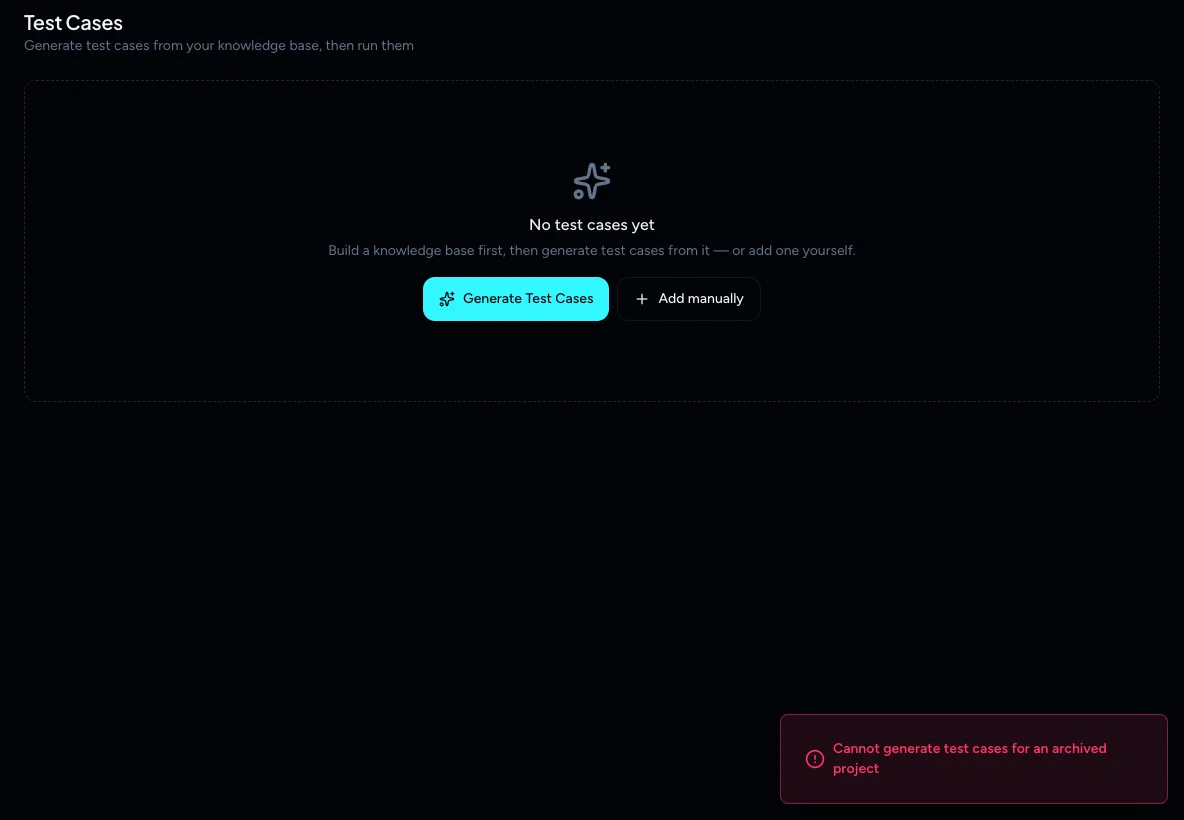
Archived projects are read-only. Open Projects, find the archived project (archived projects are listed last), open its menu and select Unarchive. Then try again. See Edit, archive or restore a project.
"No test cases found. Please generate test cases first."
You started a run on a project with no test cases. Generate some first.
"The specified test case(s) were not found or have been rejected."
TestOptim could not run the cases you selected because they are Excluded. Restore them from the Excluded filter on Test cases, or select different cases. See Review, edit and exclude test cases.
"No test cases cover …"
You used Run changed only and none of your test cases belong to the pages or flows you picked. Only cases that TestOptim generated from those areas match. Cases you added manually do not. Pick different areas, or use Run all. See Run tests for changed areas.
"Could not reach the exploration run — it may have already finished or timed out"
Either you submitted a one-time code after the exploration ended, or TestOptim could not reach the running explorer. Start the exploration again and enter the code when it asks. Entering the code needs the QA Lead role or above, even though a QA Engineer can start the exploration. See You don't have permission. See Enter a one-time code during exploration.
Related
Keep reading
- Troubleshooting"Already in progress for this project" errorTestOptim runs one job per project at a time. See what "already in progress for this project" means, which jobs block each other, and how to proceed.
- Getting startedHow TestOptim works: explore, generate, run, fixTestOptim tests your web app in five steps you start yourself. It explores your app, writes test cases, runs them, reports bugs and re-checks fixes.
- IssuesReview issues found by TestOptimSee where TestOptim issues come from, what severity and status mean, and how to filter, search and open an issue to read the steps to reproduce.
- Getting startedQuick start: find your first bugsGo from a new account to a list of real bugs in five steps. Create a project, explore your app, generate test cases, run a few tests and review the issues.