"No active subscription" or "Subscription needs attention"
Why TestOptim is locked, what "No active subscription" and "Subscription needs attention" mean, and how the organization Owner restores access. Your data is kept.
In this article
TestOptim only works while your organization has an active subscription or a running free trial. If it does not, the organization Owner restores access by choosing a plan or paying for the current one again. Your projects, knowledge, test cases and results are kept.
Which screen are you seeing?
You are sent to "Choose your plan"
Your organization has no subscription, so every page redirects to the plan picker. Members who are not the Owner are sent there too.
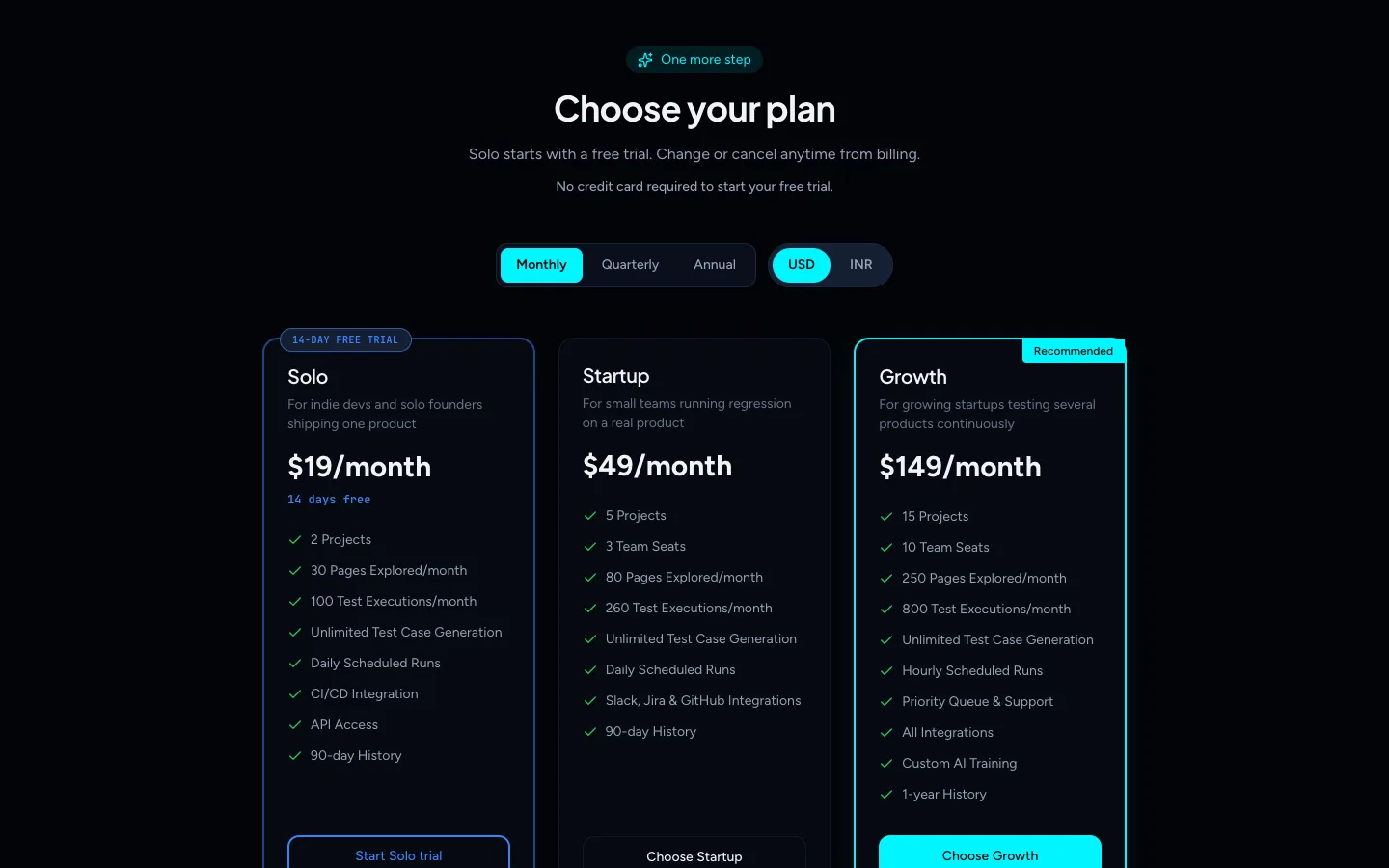
This happens when:
- you created an account but never picked a plan,
- you started a paid checkout and closed it before paying,
- your free trial was cancelled (cancelling a trial ends access immediately), or
- a paid subscription that you cancelled reached the end of the period you paid for.
On the plan picker, an organization that has never had a trial can start the Solo 14-day free trial. Otherwise, choosing a plan starts a paid checkout. See Start your free trial or choose a plan.
"Subscription needs attention"
Subscription needs attention Your trial or subscription has ended. Add a payment method to keep using TestOptim AI.
This screen has a Go to Billing button. It appears when a subscription exists but payment is overdue:
- your free trial ended and the 3-day grace period after it has passed, or
- a renewal payment failed.
During the 3-day grace period after a trial ends you still have full access, and Billing shows a Your trial has ended banner.
Members who are not the Owner see this screen too, and Billing tells them "Only organization owners can manage billing."
Messages from actions: "No active subscription found"
Some actions show a message instead of a screen: "No active subscription found. Please subscribe to continue." or "...Please select a plan to continue." Both mean the organization has no active subscription.
How do I restore access? (Owner)
If you see Choose your plan:
- Choose a plan.
- Complete the payment in the Razorpay window, or start the Solo free trial if it is offered.
If you see Subscription needs attention:
- Select Go to Billing.
- Select Change plan, choose a plan (the same one is fine) and complete the payment. Billing has no separate payment-method form, so paying through Change plan is how you restore access.
For a trial that ended, the banner reads Your trial has ended (during the grace period) or Access paused (after it).
Access returns as soon as the payment is confirmed. See Change or cancel your plan and, if the payment window will not work, Checkout or payment failed.
What if I am not the Owner?
Only the Owner can choose a plan or pay. Ask them to open Billing or the plan picker. Admins, QA Leads and everyone else cannot manage billing.
Still locked after the Owner paid? Contact support at hi@testoptim.com with your organization name.
Related
Keep reading
- Troubleshooting"You have reached your limit" in TestOptimWhat "You have reached your limit" means in TestOptim: which limit you hit (projects, seats, pages, executions), when it resets, and how to top up or upgrade.
- Plans & billingUpgrade, downgrade or cancel your TestOptim planSwitch TestOptim plans, cancel a free trial or a paid subscription, see what happens when a trial ends, and find invoices. Only the Owner can do this.
- TroubleshootingTestOptim payment failed or won't openFix "Payment gateway failed to load", a payment window that never opens, a declined card, and plans that stay "Still processing" after you pay.
- Troubleshooting"Already in progress for this project" errorTestOptim runs one job per project at a time. See what "already in progress for this project" means, which jobs block each other, and how to proceed.