You built your site with AI. Test it before anyone else does.
AI can build a working site in an afternoon. Here are five checks to run before launch, with real bugs from our own demo app.
Admin
On this page
An AI builder can take you from an idea to a working site in an afternoon. Sign-up, a cart, a checkout page, all of it. The pages load, the buttons are where you asked for them, and the demo looks finished.
If you have not started yet, Jobbit has a clear walkthrough of how to build a website with AI. This post is about the step after that one, which most people skip.
"It works" usually means "it works when I use it the way I meant"
The person who built the site only ever uses it the right way. Real visitors do not. They type the wrong thing, click twice, go back, and leave a field empty.
We keep a small food-ordering app as a demo and run our own tester on it. These are real bugs it found there. Every one of them was on a page that looked finished:
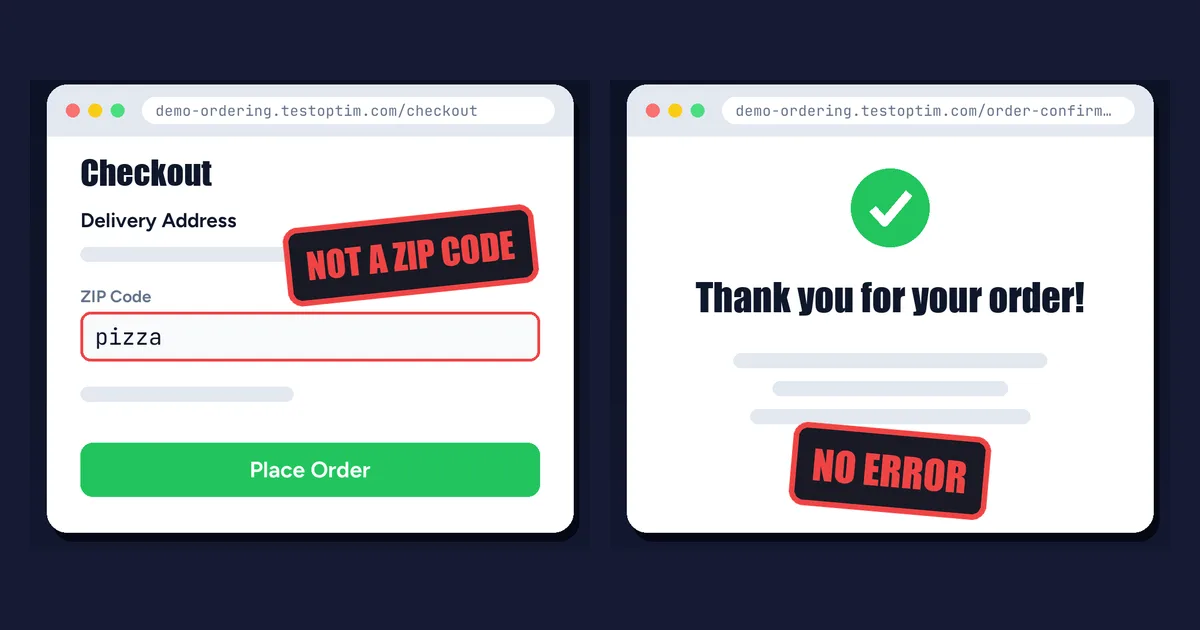
The ZIP code box accepted the word "pizza", and the order went through.
Checkout took "abcd" as a card number and placed the order.
The cart showed a subtotal of $28.82 for $26.20 of food.
Sign-in said "successful" for an email that had no account.
The "Forgot your password?" link opened a 404 page.
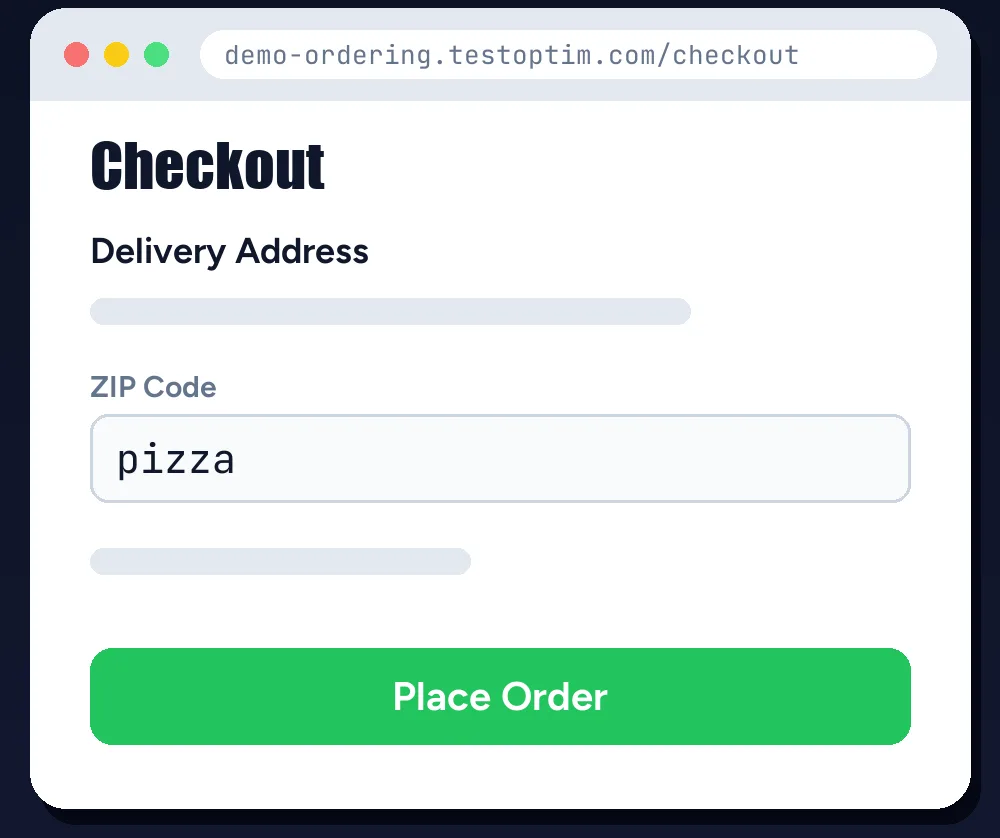
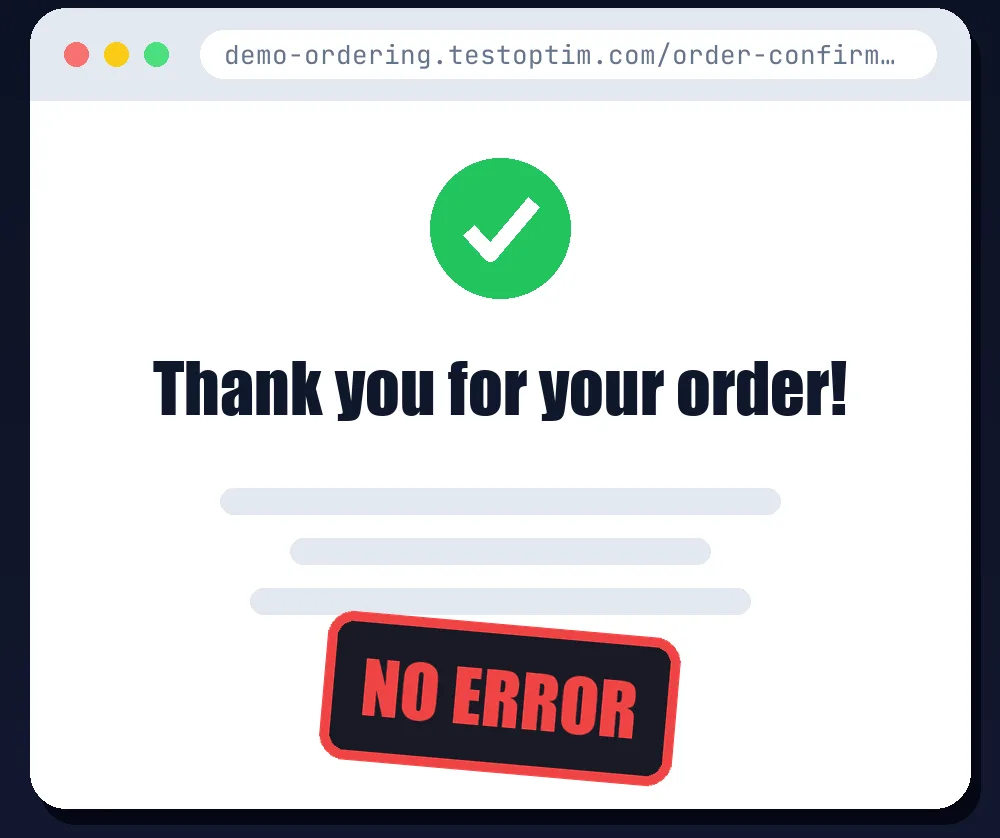
None of these shows up when you click through your own site once. All of them cost you an order or a customer.
Here is the first one as a 25-second video:
Five checks before you launch
Type nonsense into every field. Letters where numbers go, a word for an email, nothing at all. The form should stop you and say why.
Check the maths yourself. Add two items, work out the total on paper, and compare it with the cart, the checkout page and the confirmation.
Follow every link on the sign-in and sign-up pages. Password reset, terms, "back to login". Dead links cluster here.
Try to do things out of order. Open the checkout page with an empty cart. Press the back button after paying. Submit twice.
Do it all again signed out, and again on a phone.
This takes about an hour for a small site. It takes the same hour again every time you ask the AI to change something, because a change in one place often breaks another.
Or let a tester do the hour for you
This is what we built TestOptim for. You paste your site's URL. An AI agent explores it the way a new visitor would, writes the tests in plain English, runs them, and reports what broke with steps and screenshots. There is no test code to write.
You can read a full report from our demo app at testoptim.com/sample-report before trying it on your own site.
Whichever way you do it, run the checks before launch. The first person to type "pizza" into your ZIP code box should be you.
Written by
Admin