What Is AI Test Automation? (And Why Teams Are Switching From Selenium)
AI test automation uses artificial intelligence to generate, execute, and maintain software tests without manual scripting. Here is what it is, how it works, and why it produces better coverage than Selenium or Cypress.
TestOptim AI Team
On this page
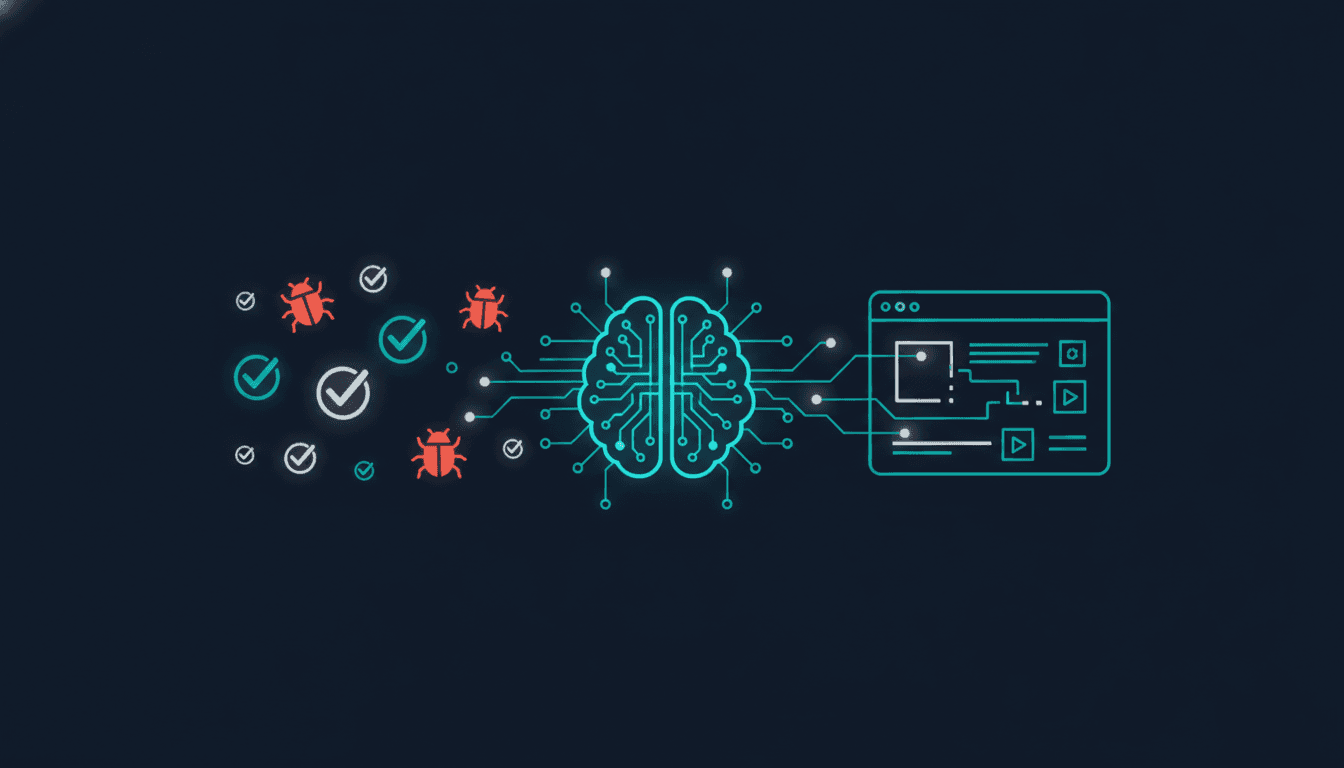
AI test automation uses artificial intelligence to automatically generate, execute, and maintain software tests — without engineers writing a single line of test script. Instead of a developer hand-crafting Selenium selectors and Cypress assertions, an AI agent navigates your application the way a real user would, maps every page and user flow, and creates a comprehensive test suite from what it discovers.
This article explains what AI test automation is, how it differs from traditional scripted testing, and why engineering teams are replacing brittle test scripts with autonomous AI coverage.
What traditional test automation actually looks like
Traditional test automation — Selenium, Cypress, Playwright — requires engineers to write test scripts by hand. A script for a login flow might look like this: find the email input by its CSS selector, type a value, find the password input, type a value, click the submit button, assert that the dashboard heading is visible.
This works until the UI changes. When a developer renames a CSS class, restructures the DOM, or relocates an element, the selector breaks and the test fails — not because the feature broke, but because the test script is outdated. Engineering teams using traditional test automation report spending 60–70% of their QA budget on maintaining test scripts rather than finding real bugs.
The maintenance burden compounds over time. A large Cypress test suite can require multiple engineers to maintain full-time. When the pace of UI changes accelerates — as it does in fast-moving product teams — the test suite falls further behind. See how AI handles this differently.
How AI test automation works differently
AI test automation replaces hand-written test scripts with autonomous exploration and intelligent test generation. The process works in four stages:
1. Autonomous exploration
An AI agent navigates your application starting from a URL. It clicks buttons, fills forms, follows navigation links, and maps the structure of your application — the pages, the user flows, the interactive elements. It behaves like an exploratory QA tester: systematically, but without a predetermined script.
The exploration covers paths that manual test writers frequently miss: error states, edge cases, multi-step form flows, authenticated sections, and dynamic content. Most teams find that autonomous exploration discovers pages and flows their own engineers were not aware of.
2. Test generation from the knowledge base
From the exploration, the AI builds a knowledge base of your application: every discovered page, every mapped flow, every identified entity. From this knowledge base, it generates a test suite automatically. A typical application produces 90 or more test scenarios covering happy paths, negative flows, edge cases, and visual regression baselines.
The generated test cases are readable, reviewable, and editable. They are not opaque scripts — they describe what should happen at each step in plain terms your team can understand and modify. Learn more in the test cases and runs documentation.
3. Self-healing execution
When tests run and a selector no longer matches — because a CSS class was renamed, an element was relocated, or the DOM was restructured — AI test automation does not fail the test. Instead, it analyses the surrounding context, identifies the element by visual position and structural meaning, generates a new selector, and continues. This process takes approximately 120 milliseconds and is invisible to the team.
This is the core difference from traditional automation: self-healing tests adapt to UI changes automatically rather than breaking and requiring manual intervention.
4. Continuous monitoring
AI test automation runs continuously rather than on a manual trigger. Connect a GitHub webhook and tests execute automatically on every push and pull request. Regressions are caught within minutes of introduction rather than days later when a user reports a problem. Issues discovered during runs are automatically synced to Jira and Slack with full evidence attached.
AI test automation vs traditional scripted testing
The fundamental difference is maintenance. Traditional scripted tests are brittle by nature: they encode a specific expectation about the DOM structure at a specific point in time. Every UI change is a potential test breakage. AI test automation encodes intent rather than implementation: what the test is trying to verify, not the specific selectors through which it verifies it.
This produces a different failure profile. Traditional tests fail frequently on UI changes that did not break any functionality — producing false negatives that erode team trust in the test suite. AI tests fail when functionality actually breaks — producing signal that is actionable rather than noisy.
Coverage is also different. Hand-written test suites cover the scenarios the engineer thought to write. AI-generated test suites cover the scenarios the exploration discovered — including the edge cases no one thought to test.
Key capabilities of modern AI testing tools
Autonomous test generation
Generate a comprehensive test suite from a URL, with no scripts required. The AI handles test case creation, selector identification, expected outcome definition, and visual baseline capture automatically. Explore all TestOptim AI features.
Self-healing selectors
When the UI changes, tests adapt automatically rather than breaking. Self-healing selectors use contextual understanding of the DOM rather than fragile CSS paths, so UI refactors no longer produce cascading test failures.
Visual regression detection
AI compares screenshots across builds at pixel level, detecting layout shifts, colour changes, missing elements, and visual inconsistencies that functional tests miss entirely. This is particularly valuable for design-heavy applications where visual correctness matters. Read more about AI bug detection.
GitHub webhook integration
Trigger automated exploration and test execution on every push and pull request. Results appear in your dashboard within minutes of the event, before code is merged to main. See the full GitHub integration guide.
Who should use AI test automation
AI test automation is most valuable for teams in three situations:
Fast-moving product teams where the UI changes frequently. The self-healing capability eliminates the maintenance burden that makes traditional test suites untenable at high velocity.
Teams without dedicated QA engineers — startups and small engineering teams that cannot staff a full QA function. AI test automation provides QA-level coverage without a QA hire. Read our guide on QA strategy for small teams.
Teams adopting AI coding tools like Cursor, v0, or GitHub Copilot. AI-generated code has specific failure patterns around edge cases and error states. Autonomous exploration is the most effective way to surface these issues before they reach production.
What AI test automation does not replace
AI test automation is not a complete replacement for human judgment in testing. Exploratory testing that requires business domain knowledge — understanding whether a specific workflow matches a compliance requirement, for instance — still benefits from human QA involvement.
What AI test automation eliminates is the manual, repetitive work: writing selectors, maintaining scripts, triggering test runs, triaging false failures from broken selectors. This frees QA engineers to focus on the judgment-intensive work that requires domain knowledge. Learn how to get started in the getting started guide.
Frequently asked questions
Does AI test automation require any code changes to my application?
No. AI test automation works by navigating your application from the outside — the same way a user or a browser would. There is no SDK to install, no instrumentation to add, and no changes to your codebase required. You provide a URL and, optionally, login credentials for authenticated flows.
How long does the initial exploration take?
A typical application takes between 3 and 10 minutes to explore, depending on the number of pages and the complexity of the navigation flows. Subsequent explorations — triggered by code changes — are incremental and faster.
Can AI test automation handle applications that require login?
Yes. You can provide credentials or session tokens for authenticated exploration. The AI navigates through login flows the same way it navigates through any other part of the application.
What happens when a test fails?
Test failures are reported in your dashboard with screenshots, console logs, network request data, and an AI-generated description of the failure. Failures can be synced to Jira automatically, with all evidence attached. You can also configure Slack alerts for instant team notification.
Is AI test automation suitable for single-page applications?
Yes. AI exploration handles SPAs, multi-page applications, and hybrid architectures. The agent understands client-side navigation, dynamic content loading, and modal interactions — not just traditional page navigation.
If your team is spending more time maintaining tests than using them to find bugs, start a free 14-day trial of TestOptim AI and run your first autonomous exploration. Most teams surface real issues in the first run.
Written by
TestOptim AI Team
The team behind TestOptim AI.